


Vessel Alerts help you monitor important vessel activities throughout a voyage. Once an alert is triggered, you'll receive a notification by email, allowing you to stay updated without constantly checking the platform.
Available Alert Types
ShipFinder currently supports the following vessel event alerts:
Arrivals & Departures
Receive notifications when a vessel:
Arrives at a monitored area or port
Departs from a monitored area or port
This alert is ideal for tracking voyage progress, coordinating cargo operations, and monitoring port activities.
Anchorage Events
Stay informed when a vessel:
Enters an anchorage
Leaves an anchorage
This is useful for monitoring waiting times, congestion, and vessel movements around ports.
Speed Alert
Receive a notification when a vessel's speed matches the conditions you define.
You can configure the alert using:
Speed Limit – Set the speed threshold that triggers the alert.
Duration – Specify how long the vessel must remain above or below the speed limit before the alert is sent.
Speed Alerts are ideal for detecting prolonged slowdowns, unexpected stops, departures, arrivals, or other unusual vessel movements.
How to Create a Vessel Alert
Search for the vessel you want to monitor.
Click "Alert"
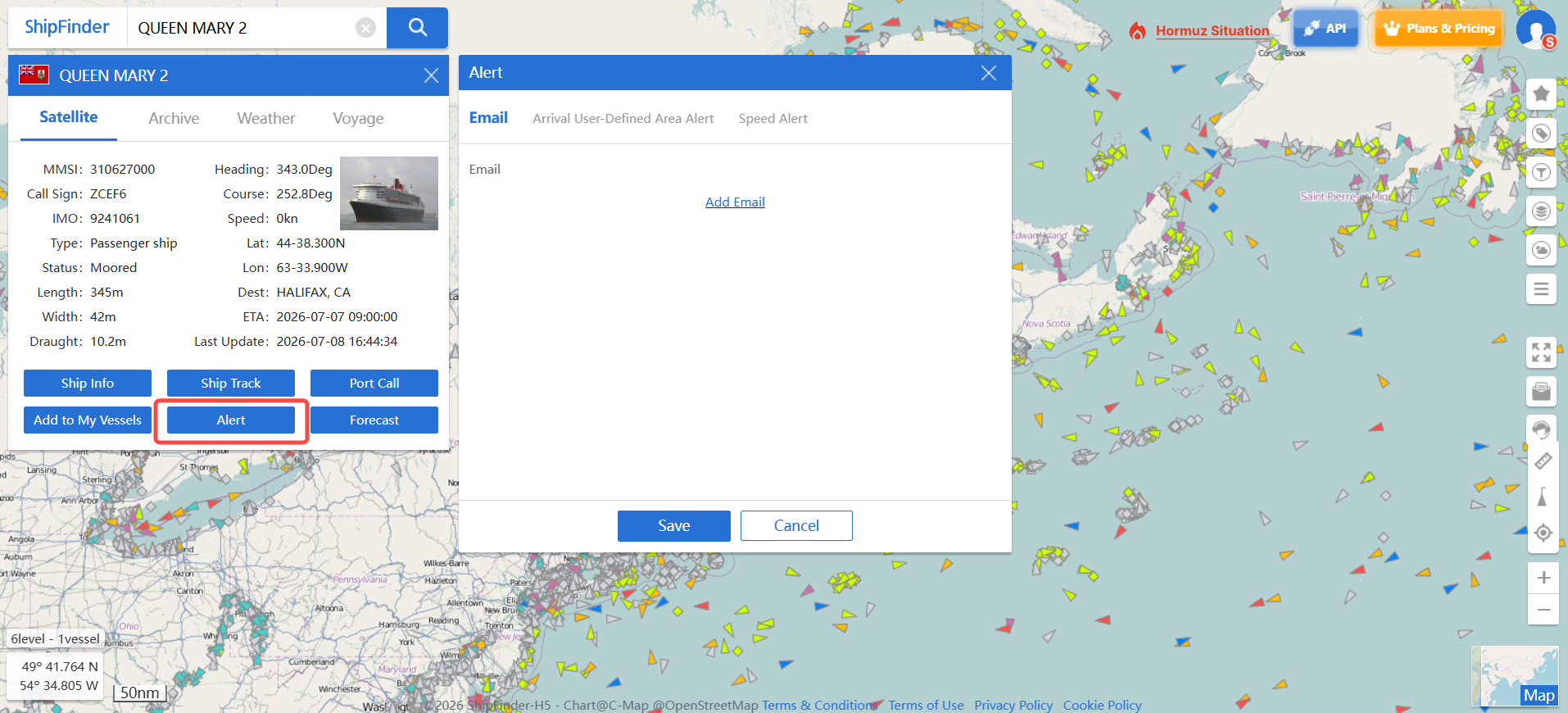
Add your email
- Configure event types:
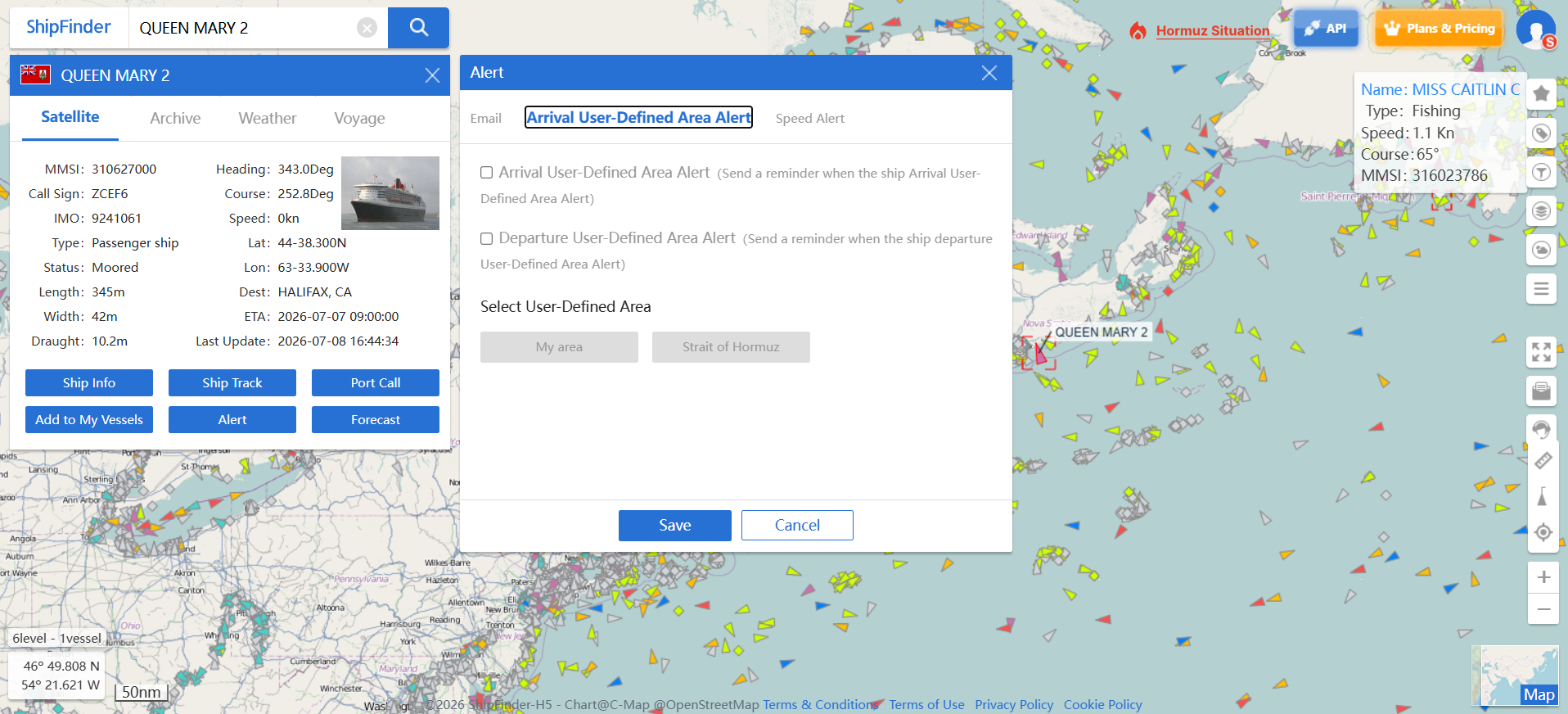
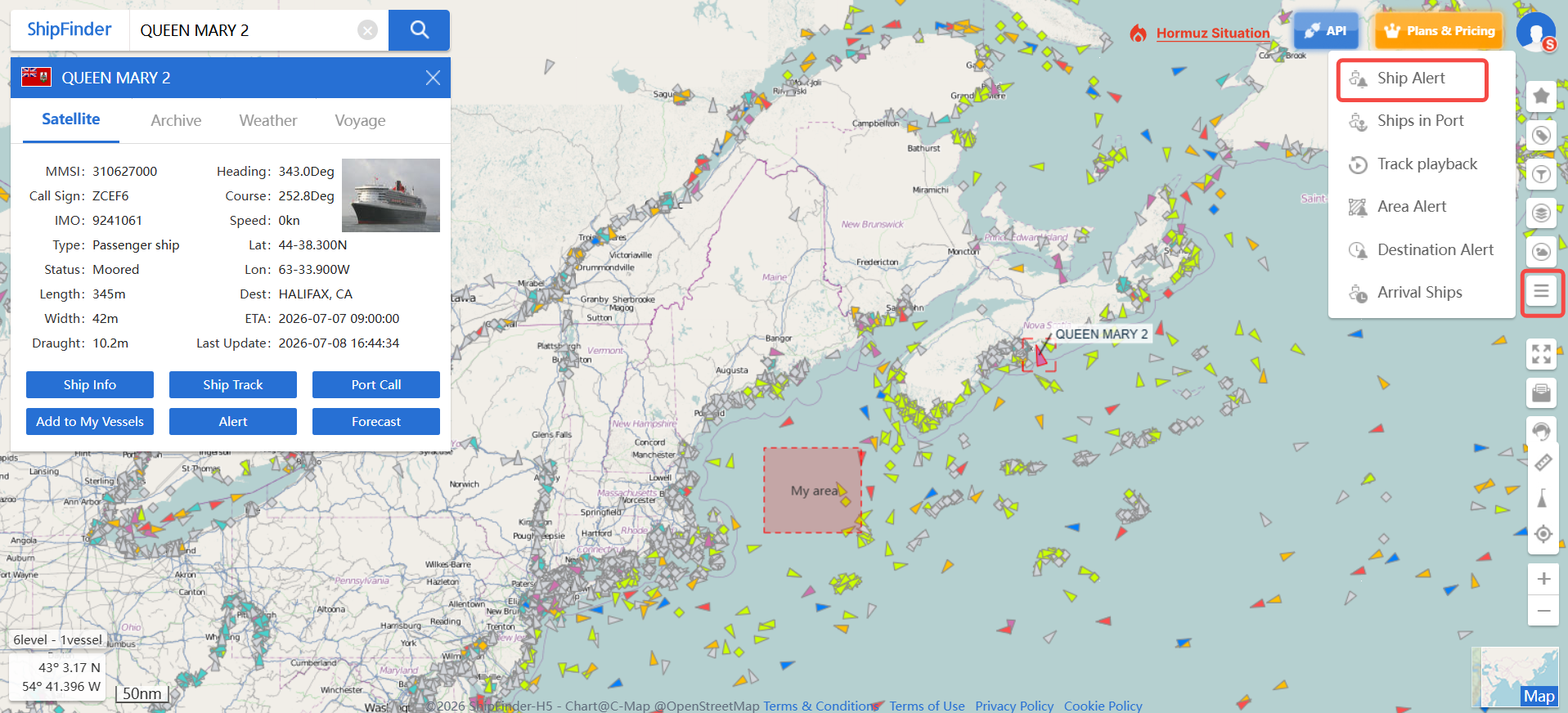
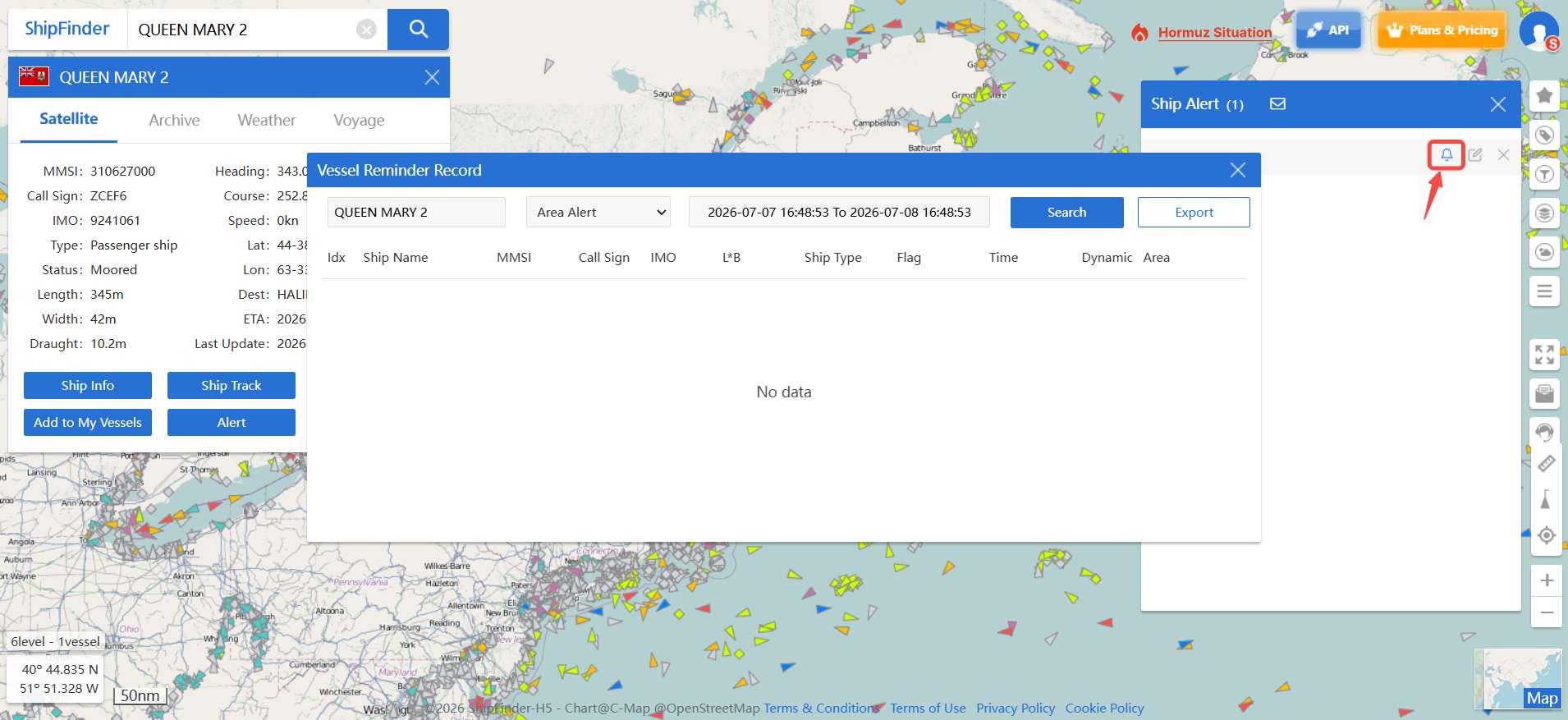
And you can manage all your vessel alerts in "Ship Alert"